thinkcar-tac-air-compressor



Wide Application
Carry out More Expansion Work with THINKCAR Air Compressor !
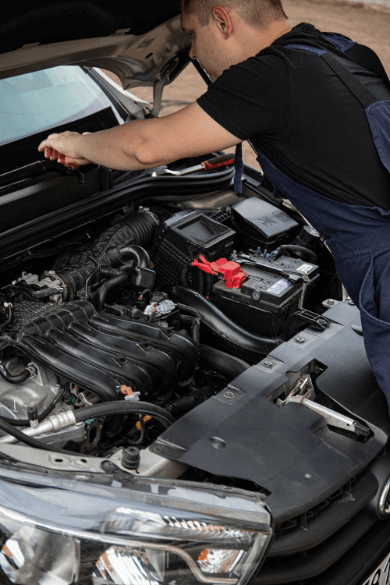
Auto Repair
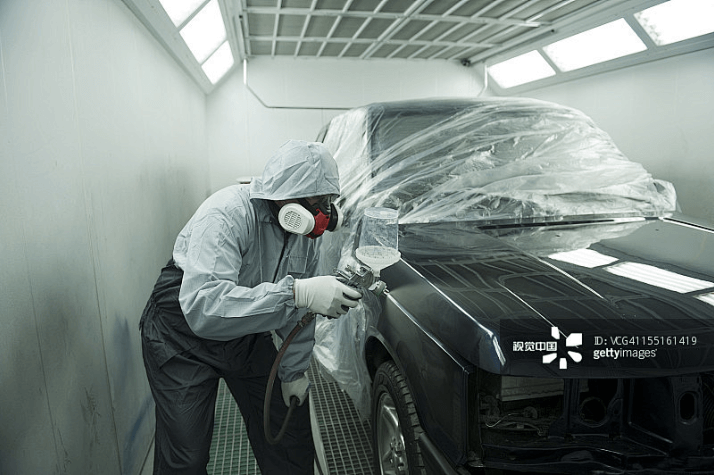
Car paint
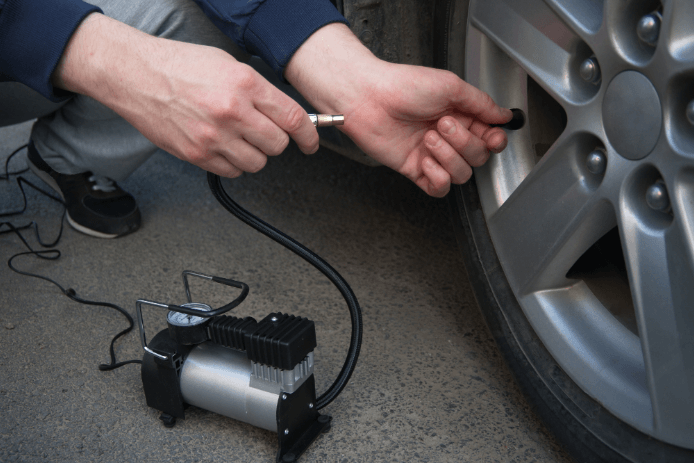
Tire Inflation
Introduce
THINKCAR Oil-free Silent Air Compressor is a versatile appliance with power variations of 980w-1680w, it offers a new alternative to traditional direct drive air compressor. THINKCAR air compressor has different models selection, TAC 635, TAC 644, TAC 647, which are widely used in garages, workshops for powering air tools, tire inflation, car paint, auto repair, spray painting, etc.
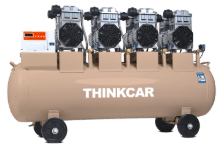
TAC647-220V
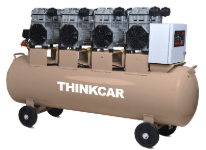
TAC647-380V
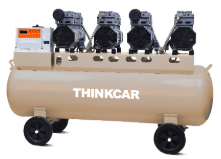
TAC-644
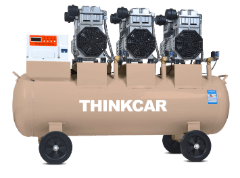
TAC635-220V
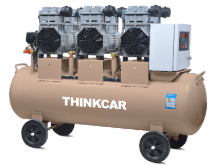
TAC635-380V
Main Advantages

Versatile appliance with power variations of
980W,1680W.

Portable, easy to transport and set up, saving time, improve working efficiency.
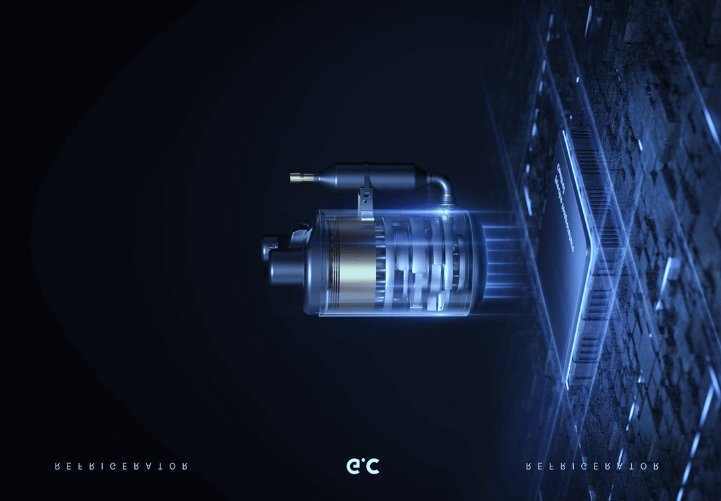
Equipped with oil-free pump, the Silent Air Compressor eliminates the need for constant maintenance and oil changes, providing a cost-effective solution for users.

Fast and efficient inflation.

The intake pipe is made of 180℃ high-temperature resistant copper enameled wire, with double protection to reduce damage and corrosion.
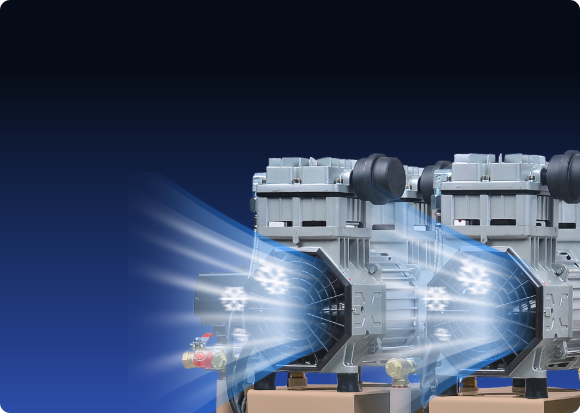
Fast heating dissipation to prevent overheating.

Long-life Span. The consistent working hours is up to 3500, which is double compare with other models in the market.
3500
Hour

High quality raw material.
new thickened aluminum parts.
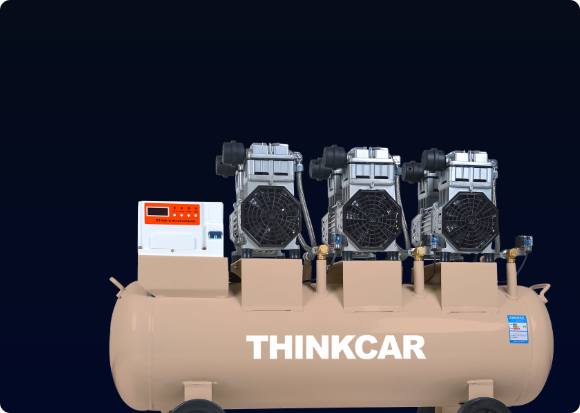
High capacity 90-300L gas tank, which is made of high-quality steel plate with 3.2MM thickness.
Specifications
| Model | TAC-633 | TAC-644 | TAC-635 | TAC-647 | TAC-658 |
|---|---|---|---|---|---|
| Voltage/ Frequency | 220V/50HZ | 220V/50HZ | 220V/50HZ 380V/50HZ | 220V/50HZ 380V/50HZ | 380V/50HZ |
| Speed | 1400r/min | 1400r/min | 1400r/min | 1400r/min | 1400r/min |
| Gas tank capacity | 90L | 120L | 120L | 220L | 300L |
| Input power | 980Wx3 | 980Wx4 | 1680Wx3 | 1680Wx4 | 1680Wx5 |
| Exhaust volume | 580L/min | 720L/min | 780L/min | 1030L/min | 1280L/min |
| Working pressure | 0.8MPA | 0.8MPA | 0.8MPA (1MPA Optional) | 0.8MPA (1MPA Optional) | 0.8MPA (1MPA Optional) |
| External dimensions | 100x38x68 cm | 120x38x79 cm | 120x39x85cm | 150x40x94 cm | 155x53x100 cm |
Accessories
Comparisons
Specifications
FAQ
Insufficient contact of VCI with vehicle OBD port
Please replug the VCI.
Unfix the firmware.
Click “settings” and then "firmware repair" icon to upgrade the firmware.
Bad contact of the VCI
Please reinsert the VCI and try again.
Problem with Bluetooth pairing.
Please cancel the Bluetooth pairing of the diagnostic VCI and re-use the software to automatically pair the VCI.
The diagnostic tablet is left unused for a long time and the battery runs out of power.
Boot by long-pressing the ON/OFF button after 2 hours charging.
Adapter failure.
Please confirm whether the adapter is properly connected to power supply, or the interface contact is in the right place.
No network on the diagnostic tablet.
Check if the diagnostic tablet is connected to good network.
Get prompted that the email address has been signed up.
1. Sign up a new account;2. Retrieve the password and sign in with the original account.
Fail to receive the verification code during sign-up.
1. Check if the email address is correct;
2. Resend a new verification code.
Username or password incorrect.
1. Check if the username or password is correct; 2. Reset your password.
Server failure.
Please try later due to server maintenance.
The device is not connected to Internet
Please confirm whether WiFi network is working normally or network connection is successful.
The serial number and activation code are entered incorrectly
Please check and confirm whether the serial number and activation code are correctly entered (12 digits for serial number and 8 digits for activation code).
Activation code is invalid
Please contact THINKCAR service team or regional sales.
Prompt that the configuration is empty
Please contact THINKCAR service team or regional sale.
When the software is upgraded, it prompts that it is not activated.
The diagnostic VCI may not be activated during registration. Please use the serial number and activation code in the password envelope to activate the device. The operation steps are as follows: Click [Settings]-[VCI Activation], and enter the correct serial number and activation code in the interface, and click [Activate]. If you have any questions, please contact after-sales customer service.
The device is not connected to Internet
Please confirm whether WiFi network is working normally or network connection is successful.
Insufficient storage space
Please uninstall irrelevant applications: select and delete uncommon software in “Software cleaning module” under “Settings” menu.
Server problem
Server under maintenance. Please try again later.
Poor contact of vehicle OBD internal circuit
Please check if OBD pins are all in good conditions.
Vehicle battery heavily loss of electricity
Please recharge of replace the battery.
VCI damage
Please provide proof video to THINKCAR service team for processing.How to save power?
1)Please sleep the screen,if the tablet isn’t been used. 2)Reduce screen standby time by setting. 3)Reduce the screen brightness by setting.
Where can I purchase a THINKCAR device?
Please contact your local dealers listed in www.thinkcar.com to buy THINKCAR tools.
Can I dis-active my diagnostic tools?
Cancellation of registration is not allowed.If there are any special circumstances, the dealer will submit the SN and application reason to the company to apply, and the dealer will assume that the customer complaint caused by the cancellation of the registration will be assumed by the dealer.
Can the account password be changed?
Modification is not allowed, customers are advised to modify by themselves by retrieving the password