thinkcar-ac-200
Wide Application
THINKCAR AC 200, updated version of refrigerant recovery machine with dual systems, compatible with both R134a and R1234yf refrigerants. It equipped with 2 refrigerant tanks with independent operation and better user experience. The AC 200 integrates refrigerant recovery, filling, vacuuming, and refueling function. The brand new design with automatic working panel make the AC200 a perfect tool for auto repair and maintenance personnel.
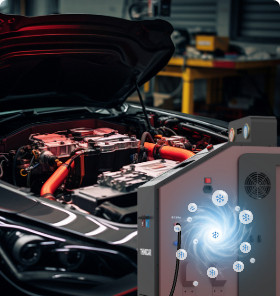
Refrigerant recovery

Vacuuming
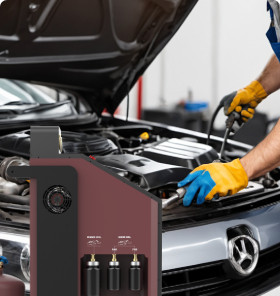
Refrigerant oil charging
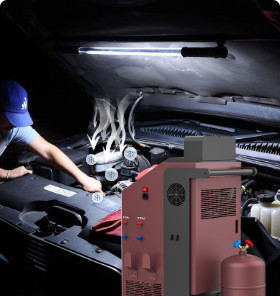
Refrigerant Filling
Product Features
| Model |
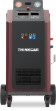
AC 200 |
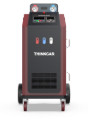
AC 100 |
|---|---|---|
| Operating Temperature | 0-50℃ | 0-50℃ |
| Input Voltage | AC220V~50H-60Hz | AC110V~60Hz | AC220V~50/60Hz | AC110V~60Hz |
| Compressor displacement | 16cm³ | 12.12cm³ |
| Vacuum Pump | 42L/MIN,5Pa | 7.2m³/,5Pa |
| Refrigerant tank capacity | 12L | 12L |
| Screen Size | 240mmX128MM | 240mmX128MM |
| Max. Working Pressure | 20bar | 20bar |
| Oil Tank Capacity |
New Oil Tank- PAG:300ml New Oil Tank- POE:300ml Used Oil Tank:500ml |
New Oil Tank:260ml Used Oil Tank:500ml |
| Warranty | 1-Year | 1-Year |
Packing List
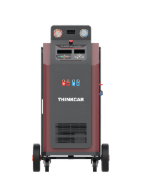
Main unit
1set
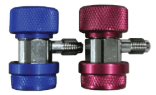
Couplers High & Low pressure For R134a
1set
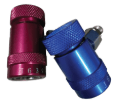
Couplers High & Low pressure For R1234yf
1set
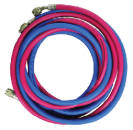
Working tubes(3m) Red and Blue
2set
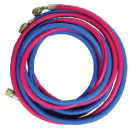
Working tubes(60cm) Red and Blue
1set
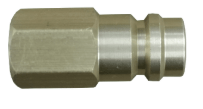
Expansion joint
1pcs
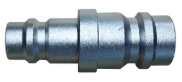
Self-cleaning adaptor
1pcs

Seal for tubes
2pcs
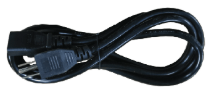
Power cable
1pcs
User manual Packing list
1set

----
----
Accessories
Comparisons
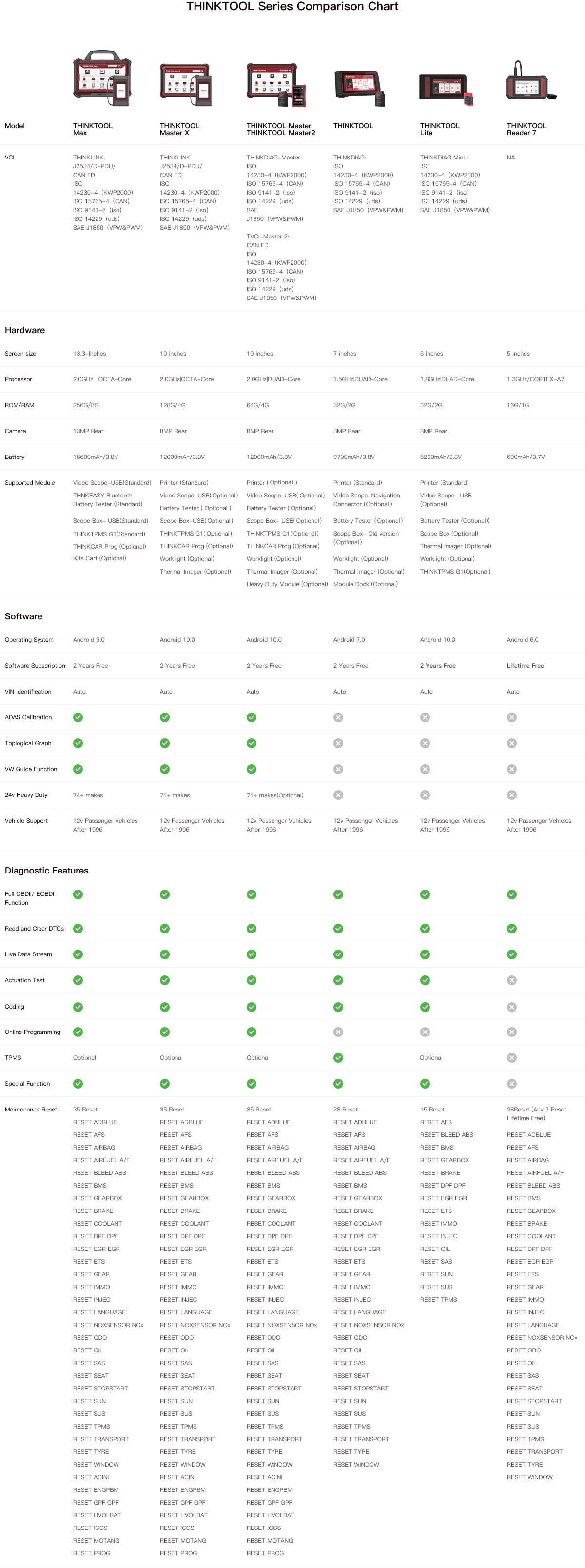
Specifications
FAQ
Insufficient contact of VCI with vehicle OBD port
Please replug the VCI.
Unfix the firmware.
Click “settings” and then "firmware repair" icon to upgrade the firmware.
Bad contact of the VCI
Please reinsert the VCI and try again.
Problem with Bluetooth pairing.
Please cancel the Bluetooth pairing of the diagnostic VCI and re-use the software to automatically pair the VCI.
The diagnostic tablet is left unused for a long time and the battery runs out of power.
Boot by long-pressing the ON/OFF button after 2 hours charging.
Adapter failure.
Please confirm whether the adapter is properly connected to power supply, or the interface contact is in the right place.
No network on the diagnostic tablet.
Check if the diagnostic tablet is connected to good network.
Get prompted that the email address has been signed up.
1. Sign up a new account;2. Retrieve the password and sign in with the original account.
Fail to receive the verification code during sign-up.
1. Check if the email address is correct;
2. Resend a new verification code.
Username or password incorrect.
1. Check if the username or password is correct; 2. Reset your password.
Server failure.
Please try later due to server maintenance.
The device is not connected to Internet
Please confirm whether WiFi network is working normally or network connection is successful.
The serial number and activation code are entered incorrectly
Please check and confirm whether the serial number and activation code are correctly entered (12 digits for serial number and 8 digits for activation code).
Activation code is invalid
Please contact THINKCAR service team or regional sales.
Prompt that the configuration is empty
Please contact THINKCAR service team or regional sale.
When the software is upgraded, it prompts that it is not activated.
The diagnostic VCI may not be activated during registration. Please use the serial number and activation code in the password envelope to activate the device. The operation steps are as follows: Click [Settings]-[VCI Activation], and enter the correct serial number and activation code in the interface, and click [Activate]. If you have any questions, please contact after-sales customer service.
The device is not connected to Internet
Please confirm whether WiFi network is working normally or network connection is successful.
Insufficient storage space
Please uninstall irrelevant applications: select and delete uncommon software in “Software cleaning module” under “Settings” menu.
Server problem
Server under maintenance. Please try again later.
Poor contact of vehicle OBD internal circuit
Please check if OBD pins are all in good conditions.
Vehicle battery heavily loss of electricity
Please recharge of replace the battery.
VCI damage
Please provide proof video to THINKCAR service team for processing.How to save power?
1)Please sleep the screen,if the tablet isn’t been used. 2)Reduce screen standby time by setting. 3)Reduce the screen brightness by setting.
Where can I purchase a THINKCAR device?
Please contact your local dealers listed in www.thinkcar.com to buy THINKCAR tools.
Can I dis-active my diagnostic tools?
Cancellation of registration is not allowed.If there are any special circumstances, the dealer will submit the SN and application reason to the company to apply, and the dealer will assume that the customer complaint caused by the cancellation of the registration will be assumed by the dealer.
Can the account password be changed?
Modification is not allowed, customers are advised to modify by themselves by retrieving the password